
04 · Restaurant ordering platform
Empire Food Point
Online ordering for a Dar es Salaam restaurant, from menu to delivery tracking.
- Category
- Restaurant ordering platform
- Role
- Product design & full-stack engineering
- Built by
- Empire Pro Dev
- Links
- Live product
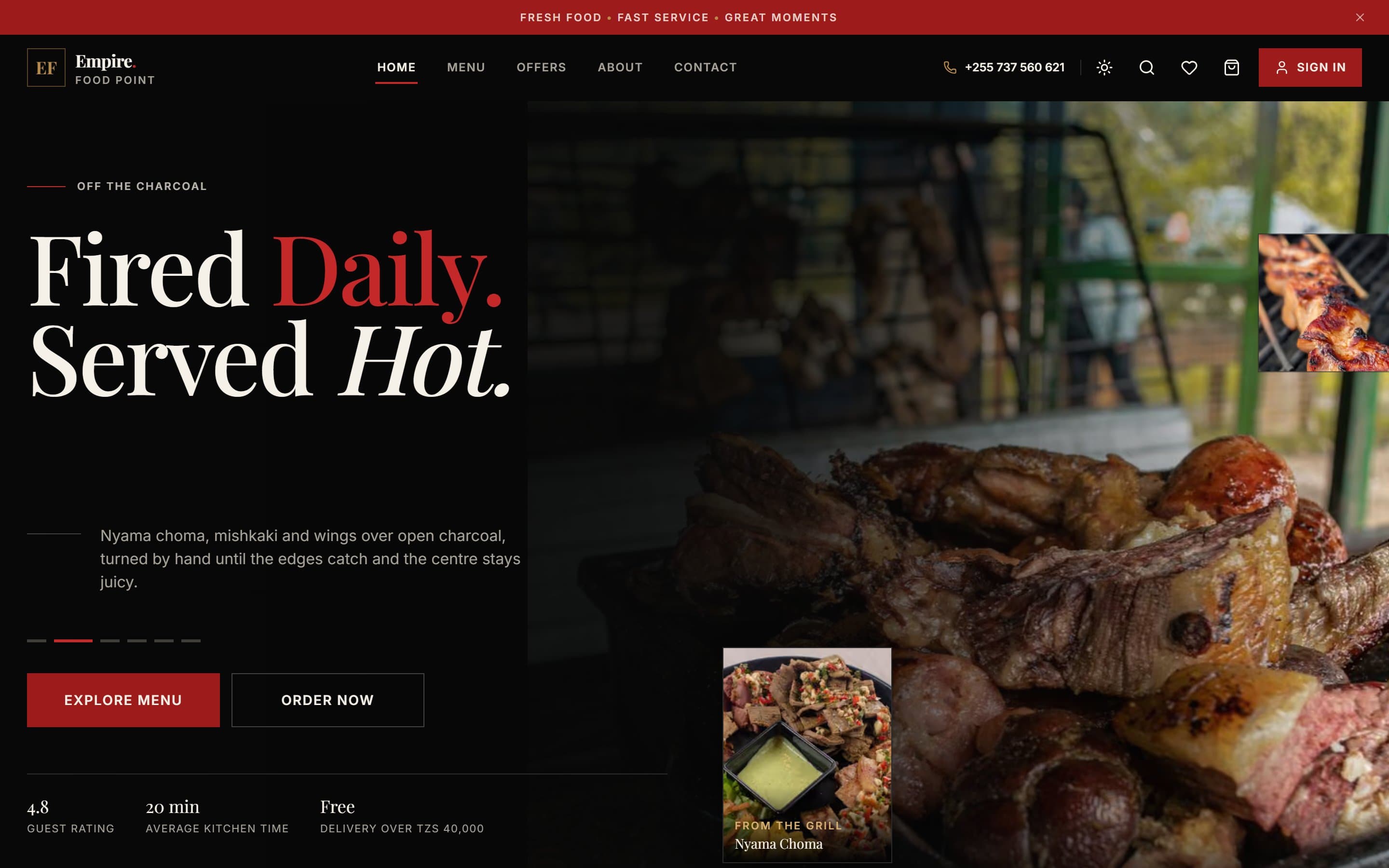
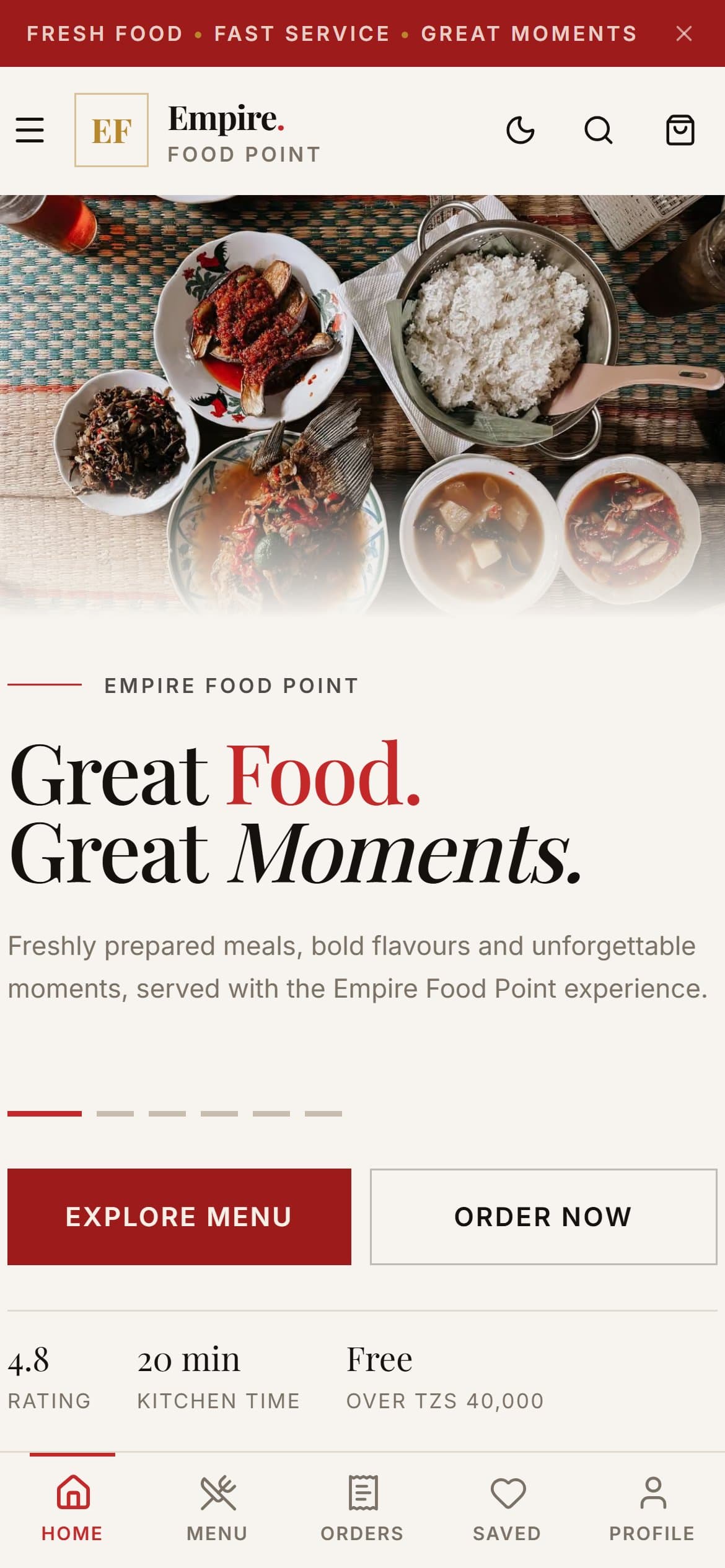
Screens
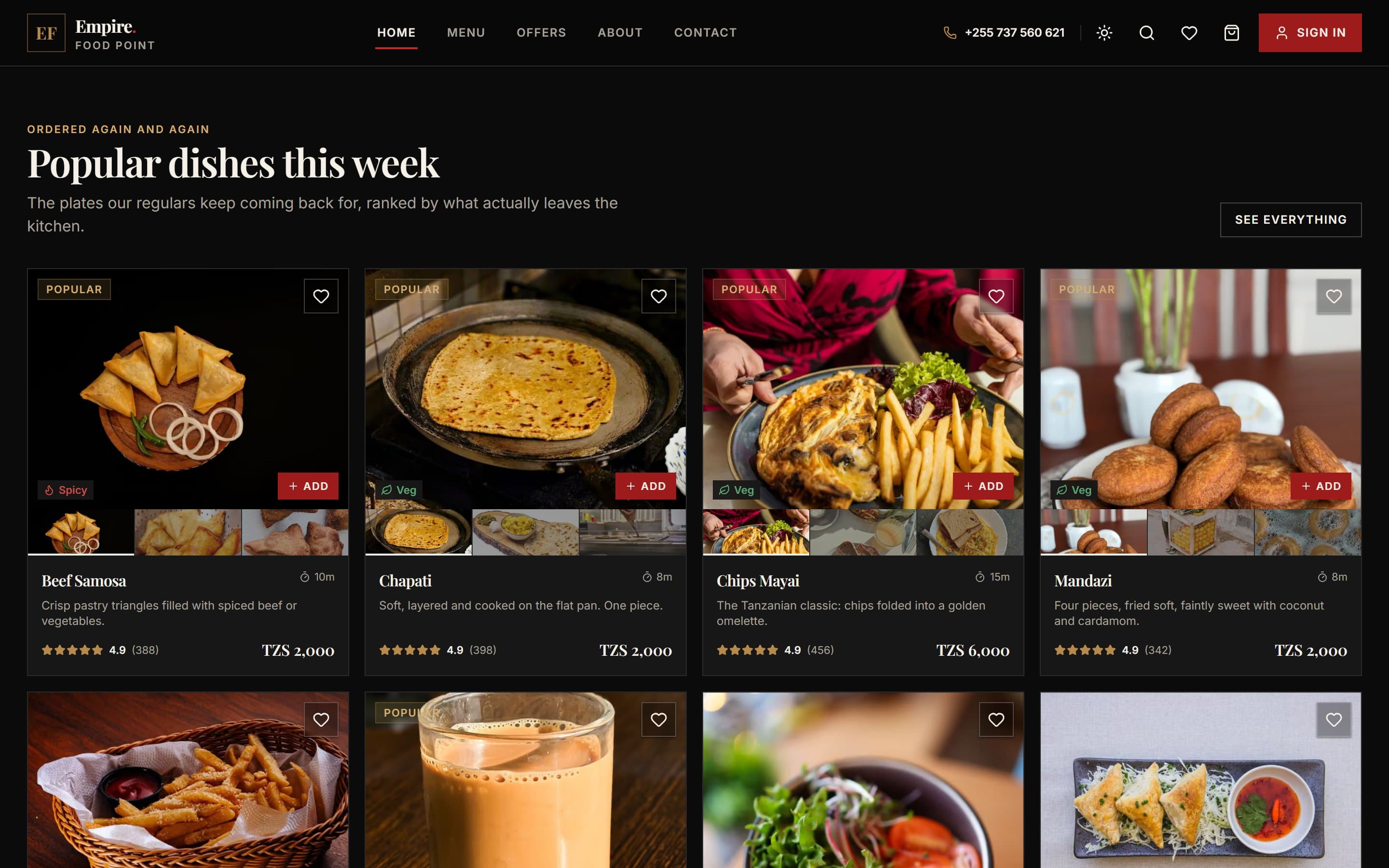
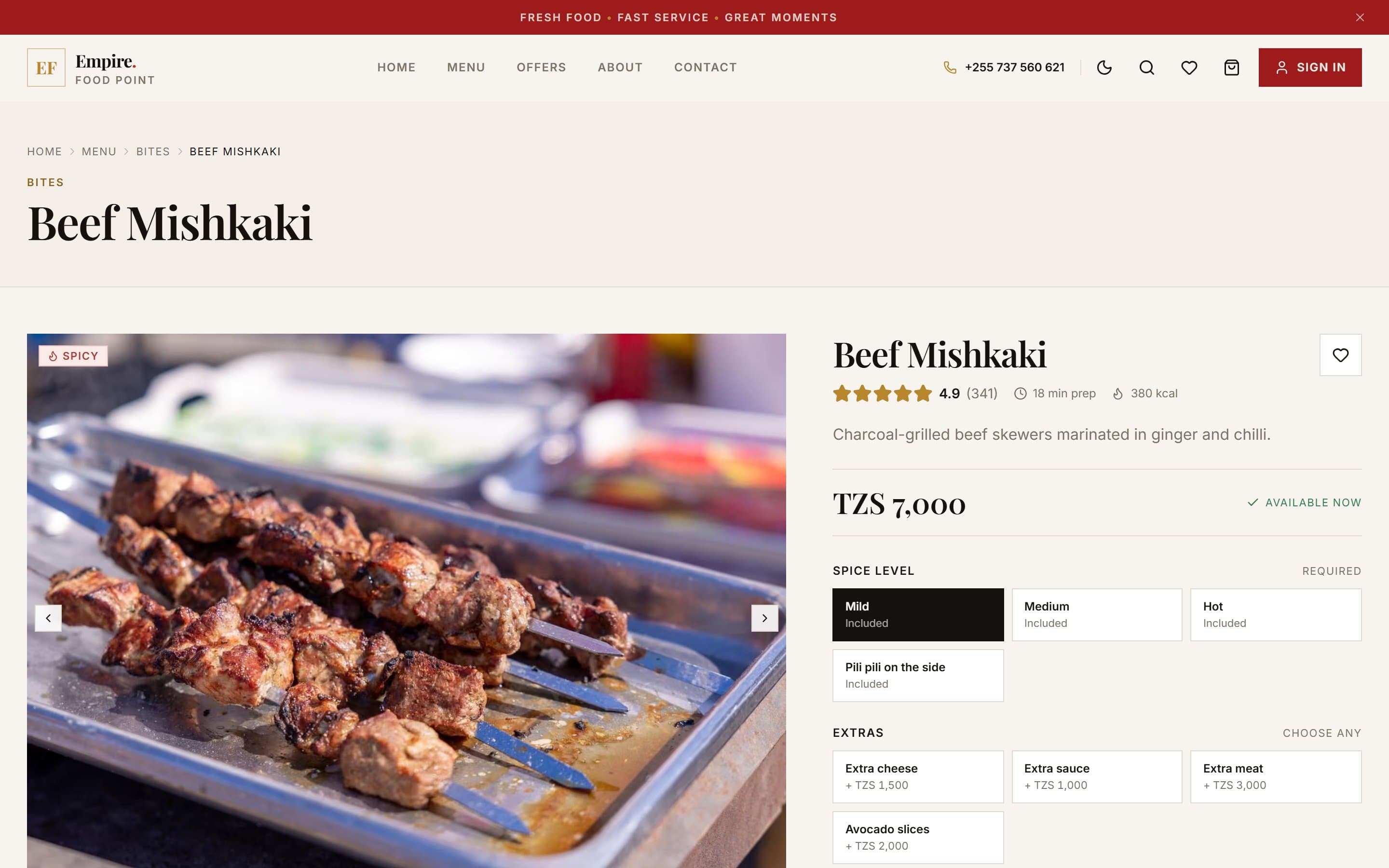
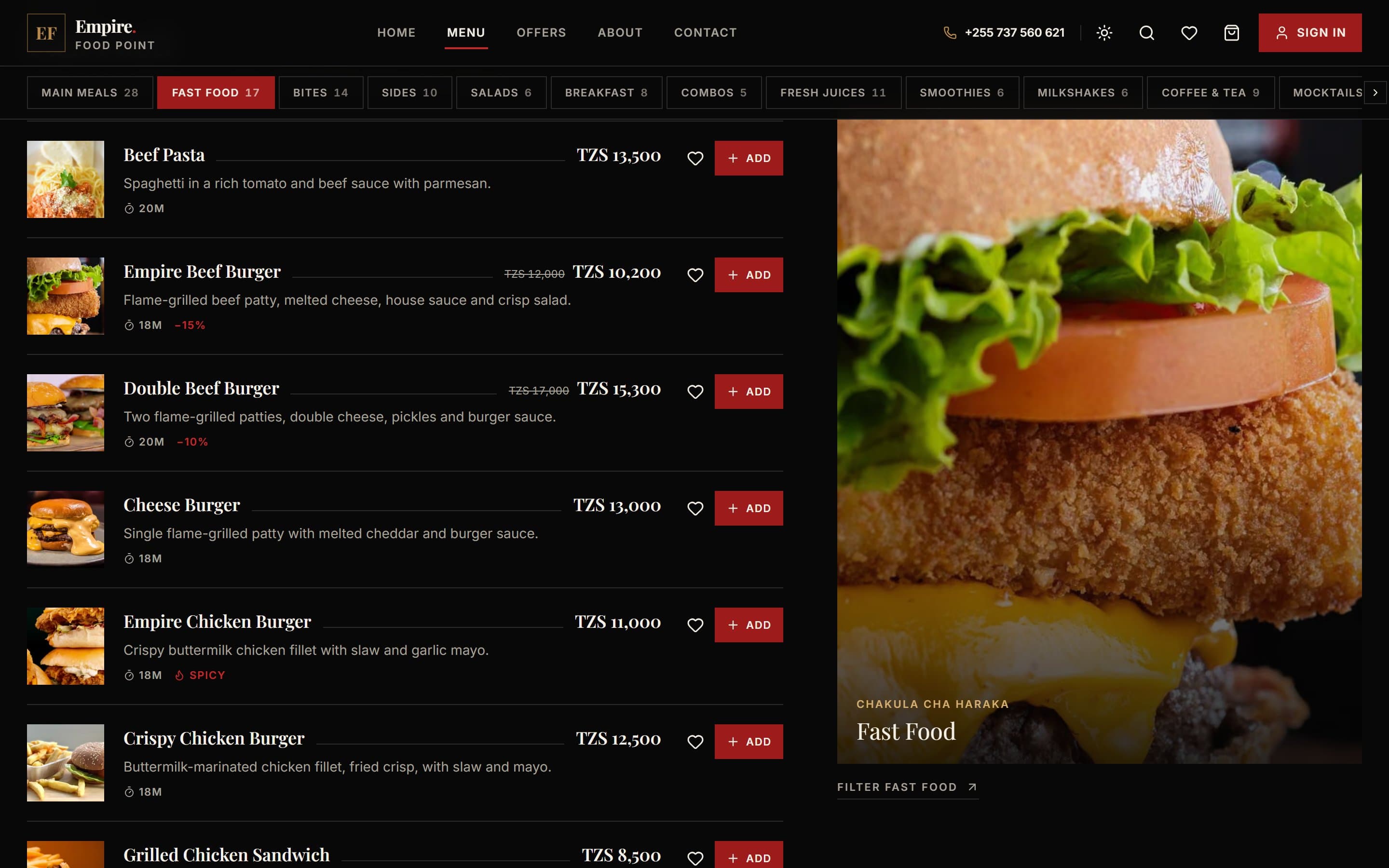
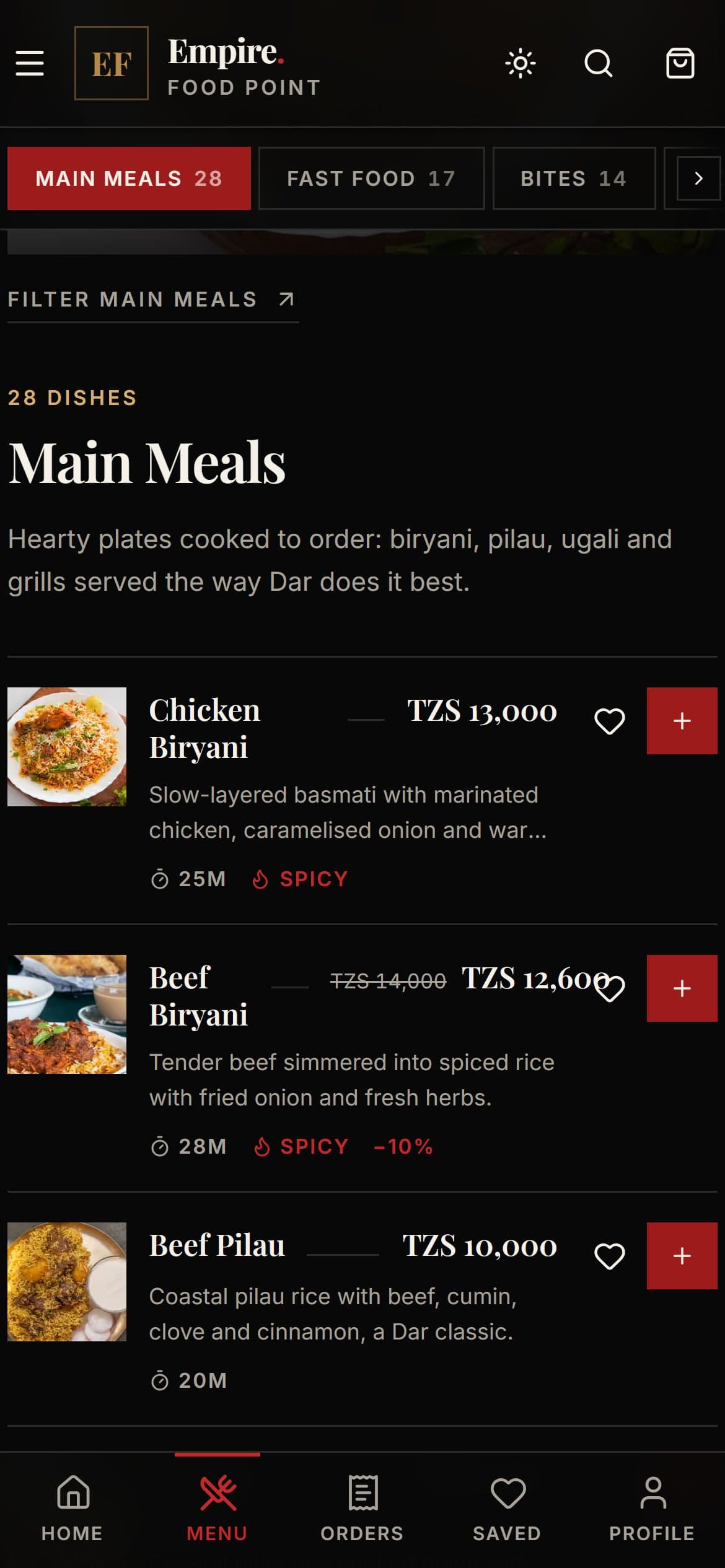
Empire Food Point interface
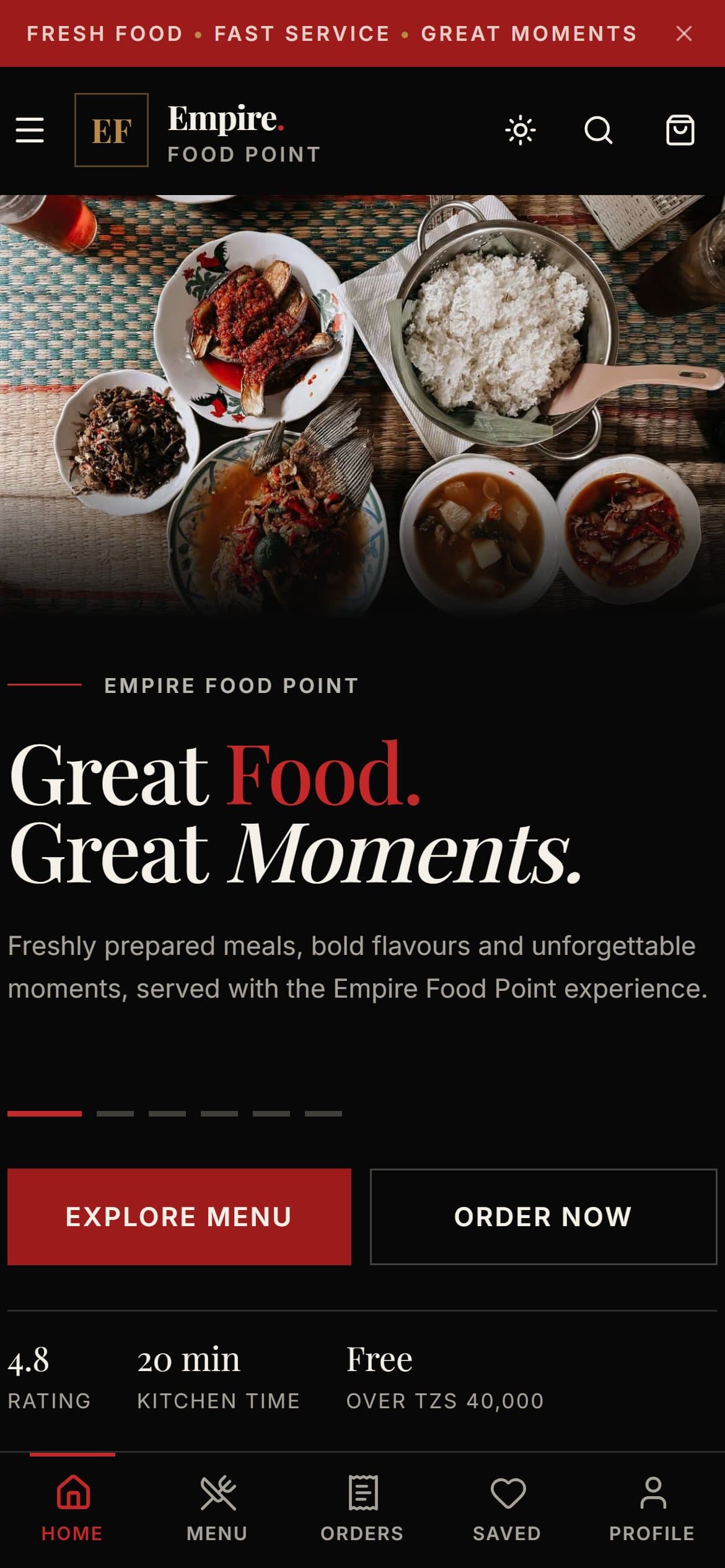
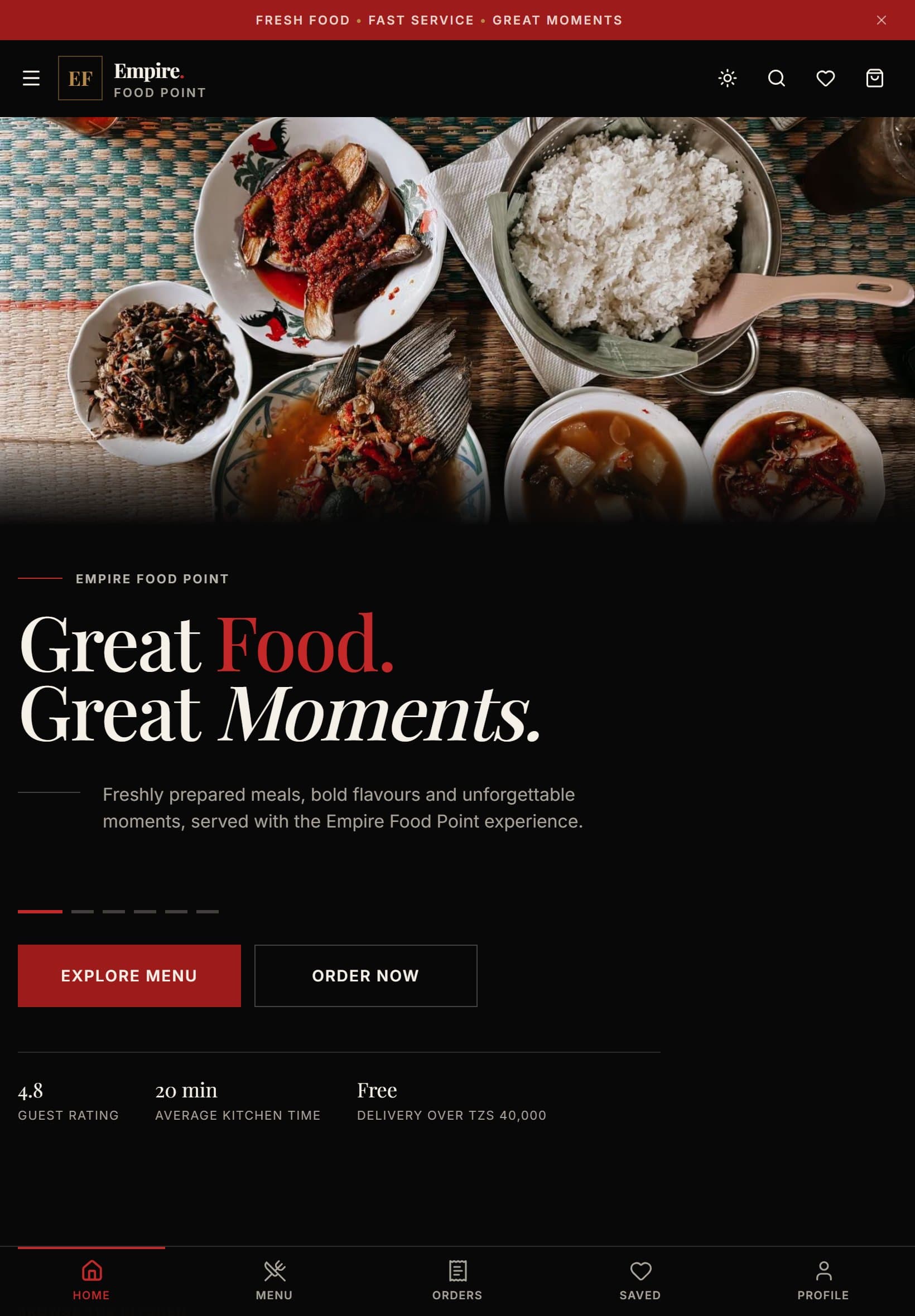
Overview
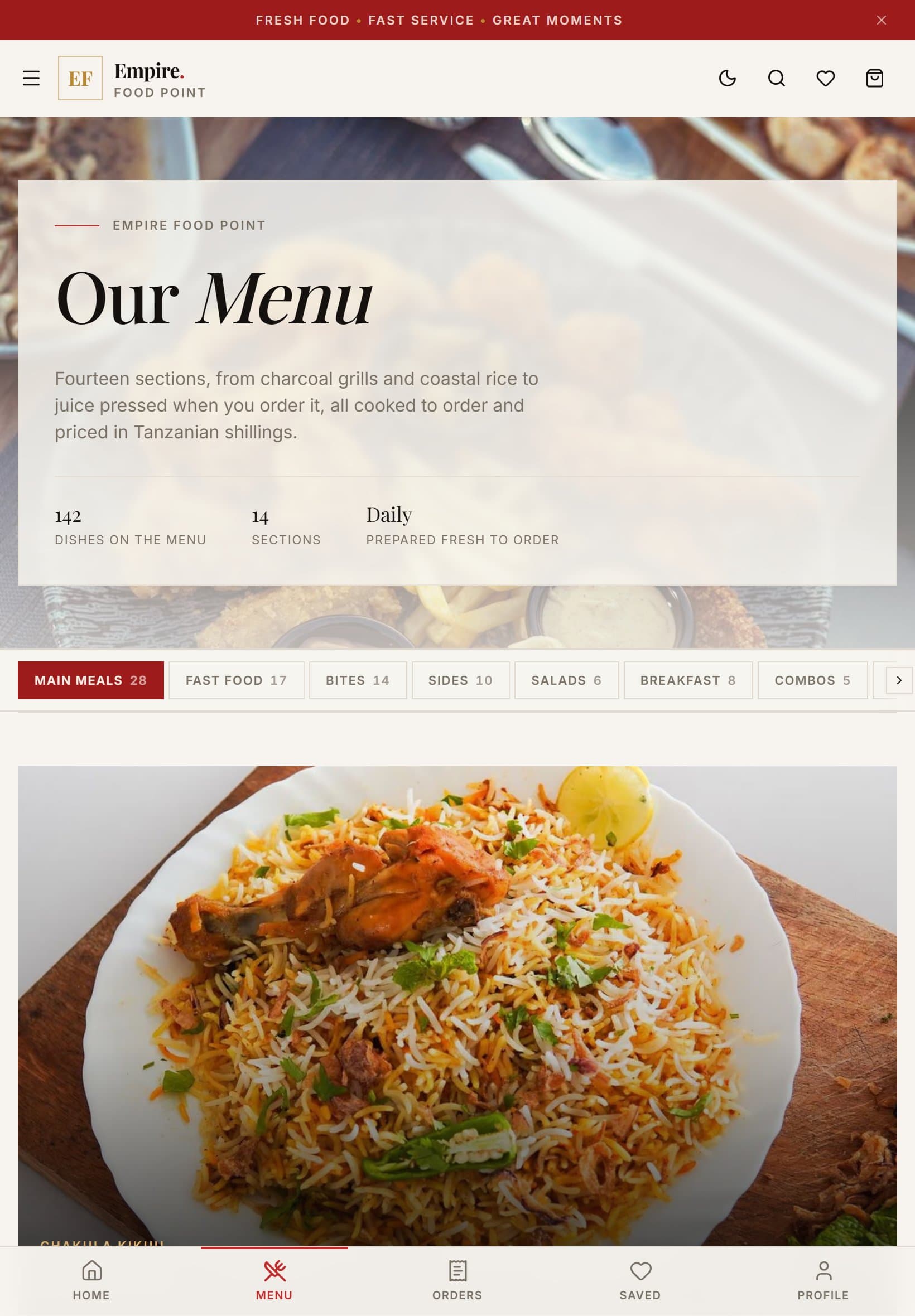
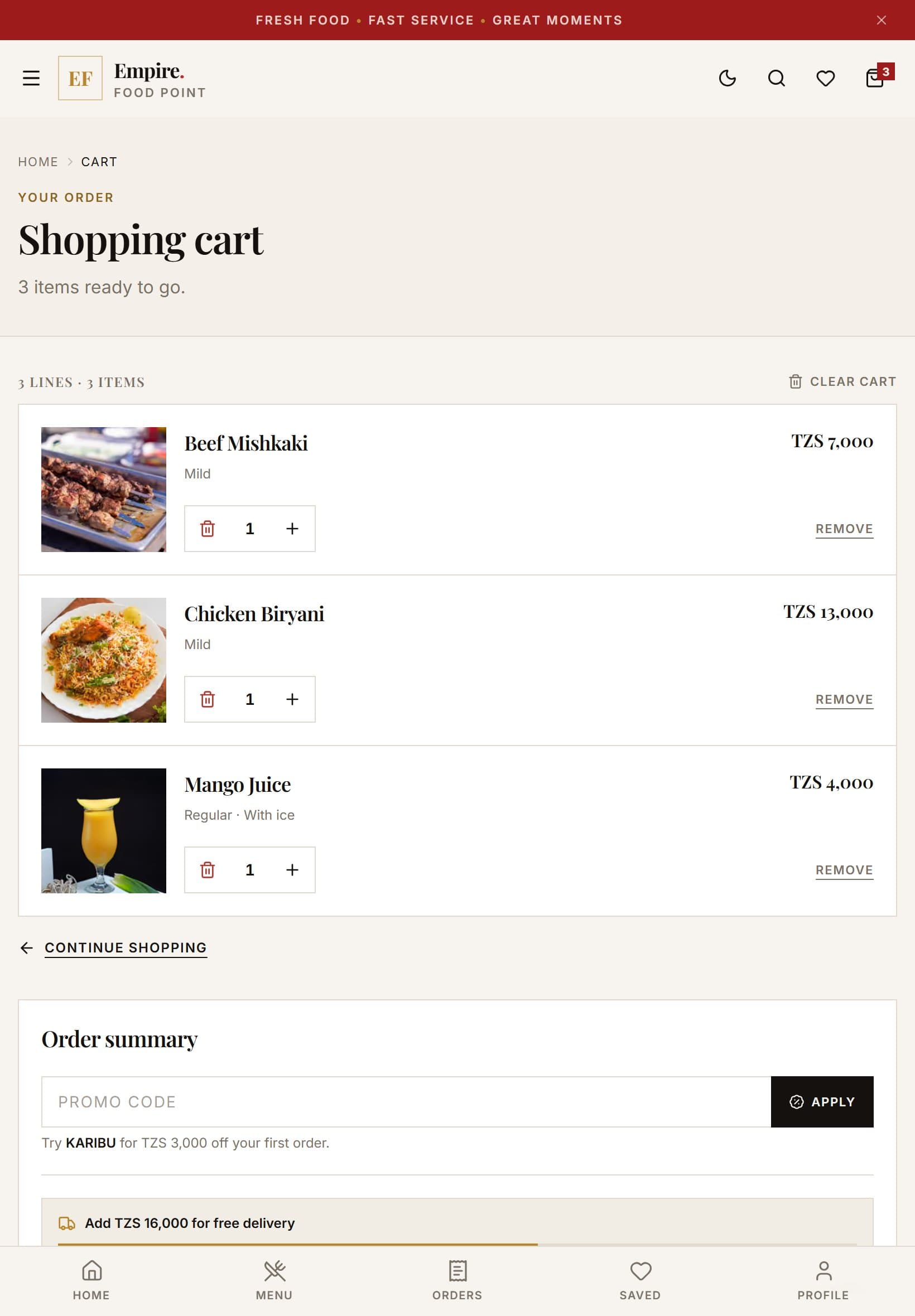
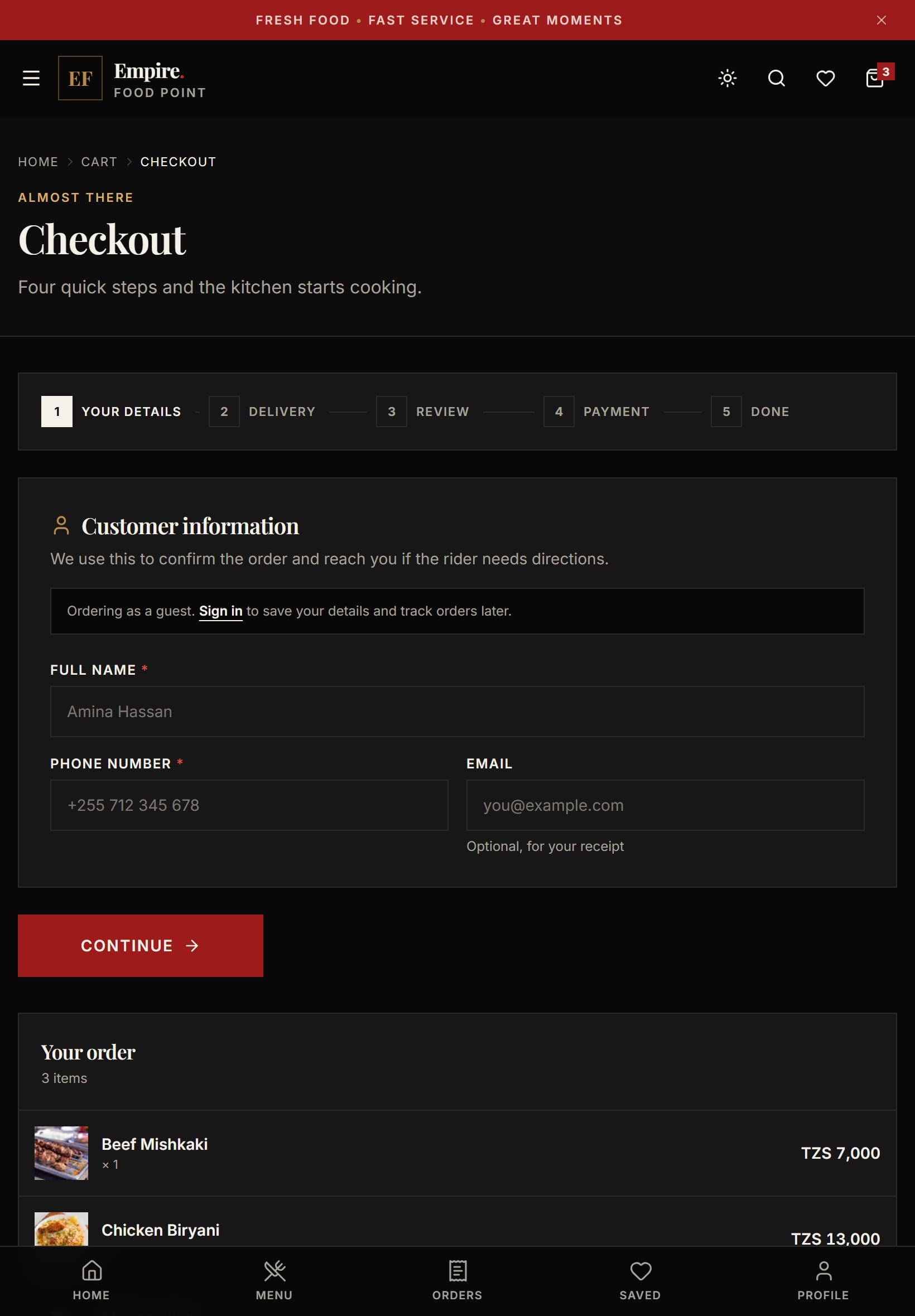
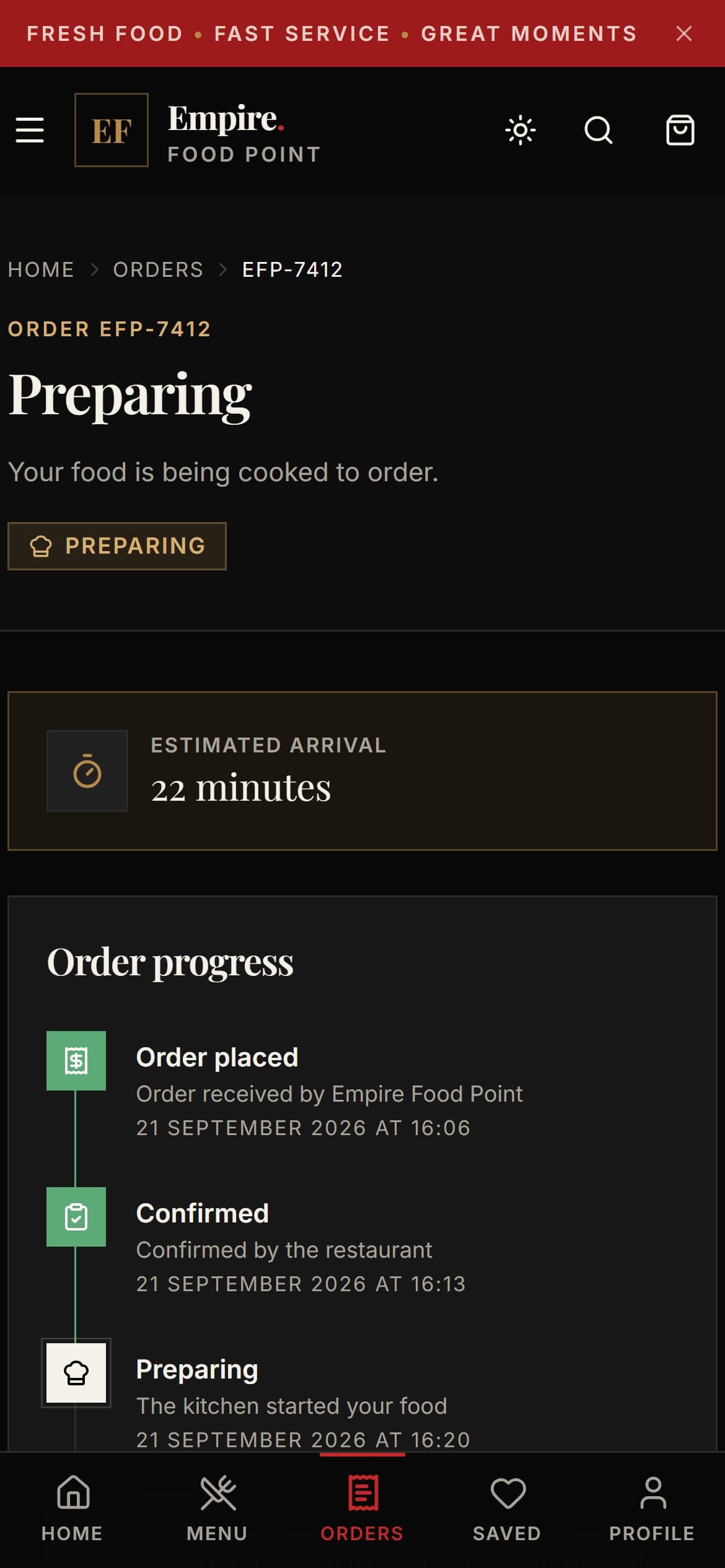
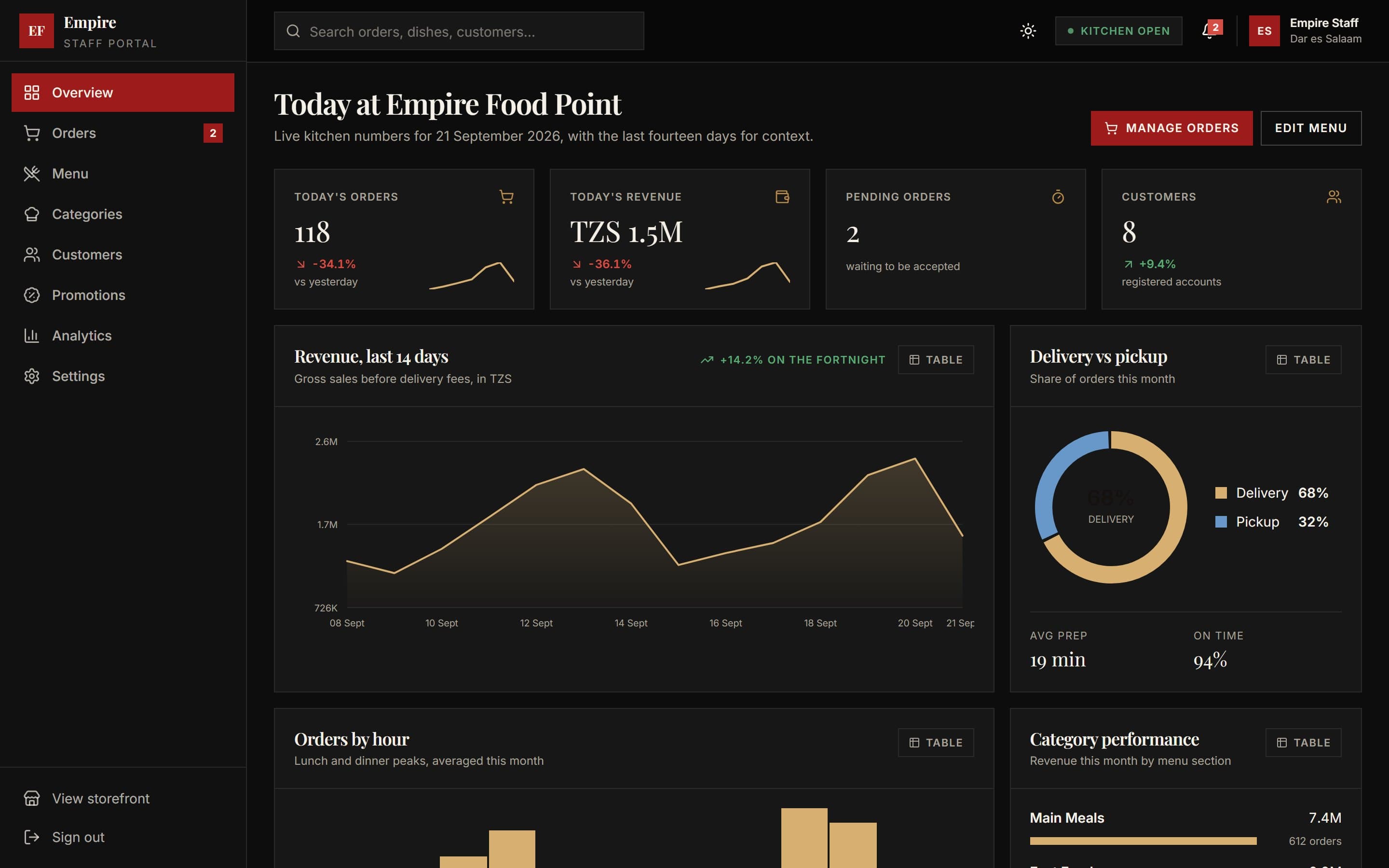
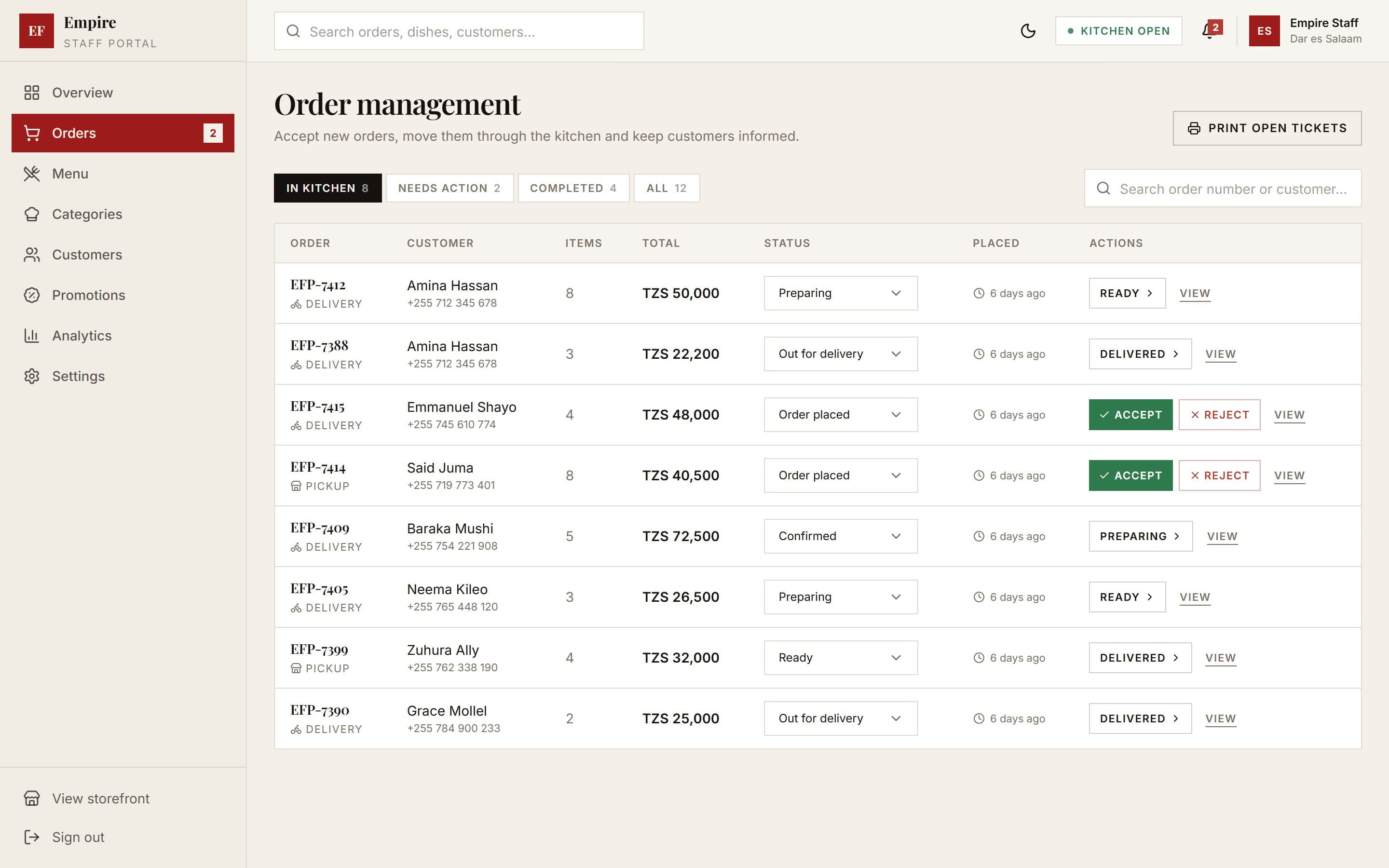
A full-stack ordering platform for Empire Food Point, a restaurant in Dar es Salaam. Customers browse the full menu section by section, customise dishes, check out in five steps and track their order live, while staff run orders, the menu, promotions and analytics from an admin dashboard.
Product areas
- Menu & search
- Dish customisation
- Cart
- Checkout
- Order tracking
- Promotions
- Favourites
- Staff dashboard
- Analytics
Technologies
- Next.js
- TypeScript
- Tailwind CSS
- Zustand
- Zod
Case study
From problem to product
The complete engineering lifecycle behind Empire Food Point.
- 01
Problem
A restaurant's customers want to order, pay and follow their food without phoning in, and its staff need one place to run orders, the menu and promotions.
- Orders taken by phone are easy to mishear and hard to track
- Customers can't see where their food is
- Staff need to update the menu and offers themselves
- 02
Idea
Empire Food Point: the whole customer journey online, from browsing the menu to live order tracking, with a staff dashboard behind it.
- Browse, customise, pay and track in one flow
- Guest checkout and promo codes
- A staff dashboard for orders, menu, categories, customers and promotions
- 03
Approach
I built Empire Food Point as a complete, working prototype first: every customer and staff screen runs end to end on typed data, so the product can be judged before any infrastructure is paid for.
- Data behind a repository layer that a real database can replace
- Mock sign-in with exactly the same shape as a real provider
- Payments planned around a hosted provider, so card details never touch the server
- 04
Architecture
All data sits behind one repository layer, so connecting a database, real authentication and a payment provider changes those modules and nothing else. The server recalculates every order line, discount and delivery fee from the menu, so a tampered basket cannot change what an order costs.
- Route groups for the public site, sign-in, customer pages and admin
- Zod schemas shared by forms and API routes
- Zustand stores for cart, favourites, session and orders, kept across refreshes
System architecture
3 layers · 8 modules
L01Experiences
2 modules- Customer ordering
- Staff dashboard
L02Application
4 modules- Menu & categories
- Cart & checkout
- Orders & tracking
- Promotions
L03Data
2 modules- Repository layer
- Typed menu & order data
Conceptual architecture: layers and their responsibilities. - 05
Design
A dark theme of warm ivory type, deep red calls to action and gold detail, with a daylight theme alongside it. The layout was checked on small phones, tablets and wide desktops with no horizontal scrolling.
- Bottom navigation, a floating cart bar and bottom-sheet dish options on phones
- A cart drawer, sidebar filters and up to four columns on desktop
- The theme choice remembered and applied before the first paint, with no flash
- 06
Development
The storefront is TypeScript on Next.js, with every price recalculated on the server and every dish option validated against the dish it belongs to.
- Search, filters and sorting across the whole menu
- A five-step checkout with promo codes and guest ordering
- Live order tracking with a status timeline
- A sourcing pipeline that collected and credited every dish photograph
- 07
Data
Staff analytics are hand-built charts, each with a table view, so nothing depends on colour alone.
- Charts drawn in plain SVG, with no charting library
- The one two-colour chart pairing checked for colour-blind separation
- Orders, customers and promotions all reported from the same records
- 08
Testing
Every route was checked in a headless browser at phone, tablet, laptop and wide-desktop sizes for horizontal scrolling, broken images and console errors.
- Type-checking and linting on every change
- Tampered baskets rejected by the server's recalculation
- Both themes checked for contrast over photography
- 09
Deployment
The prototype is mostly pre-rendered and ready for any Next.js host. Connecting a database, real sign-in and a payment provider touches only the modules built for them.
- Installable, with an offline page
- A sitemap and search metadata in place
- The admin area kept out of search indexes
- 10
Result & current state
Empire Food Point is a working prototype: the whole customer journey and the staff dashboard run end to end, with sign-in, payments and admin changes mocked behind their own modules, ready to connect.
- Complete: menu, customisation, cart, checkout, tracking, favourites, offers and the staff dashboard
- Next: a real database, sign-in and a payment provider
What building it taught.
Challenges
- Making a prototype feel real without writing throwaway code
- Keeping prices trustworthy when the basket lives in the browser
- Saved state that differs between the server and the browser on first render
Solutions
- A repository layer and mock providers shaped exactly like the real ones
- The server rebuilds every order from item ids and quantities alone
- A hydration flag, so the server and the browser render the same markup first
Lessons
- A good prototype is a real app with its edges mocked, not a mock-up
- The browser should only ever send intent, never totals
- Colour tokens named by role make a second theme almost free